Speed Settings, Cura in Spanish.
Print Speed This setting defines the speed at which the model will be printed, in mm/s. At high speeds, the times…

In this section, you'll find tutorials and guides on how to use slicing software such as Cura and PrusaSlicer, as well as techniques for optimizing print quality and speed to achieve the best possible results in your 3D prints.
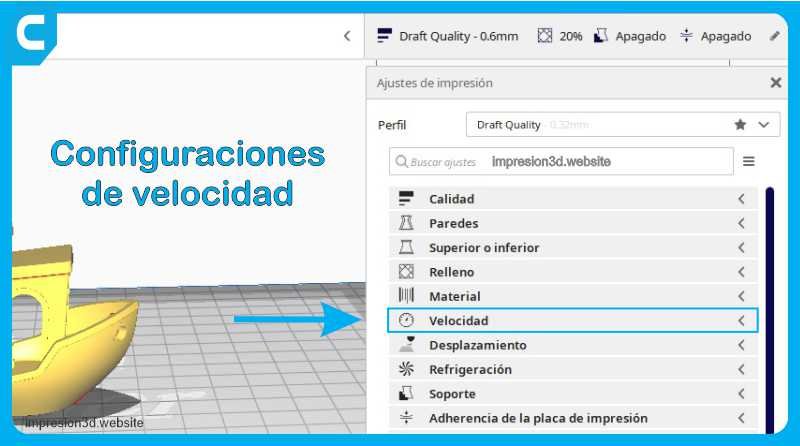
Print Speed This setting defines the speed at which the model will be printed, in mm/s. At high speeds, the times…
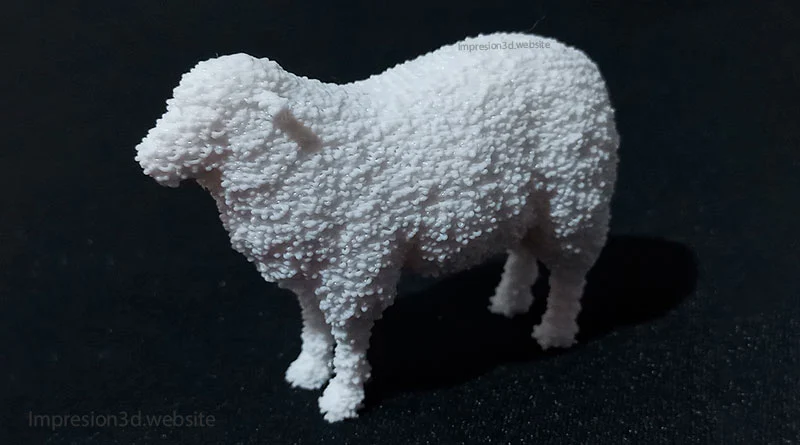
The "Fuzzy Skin" feature is a hidden option in Cura's experimental settings; when enabled, the printer's nozzle…
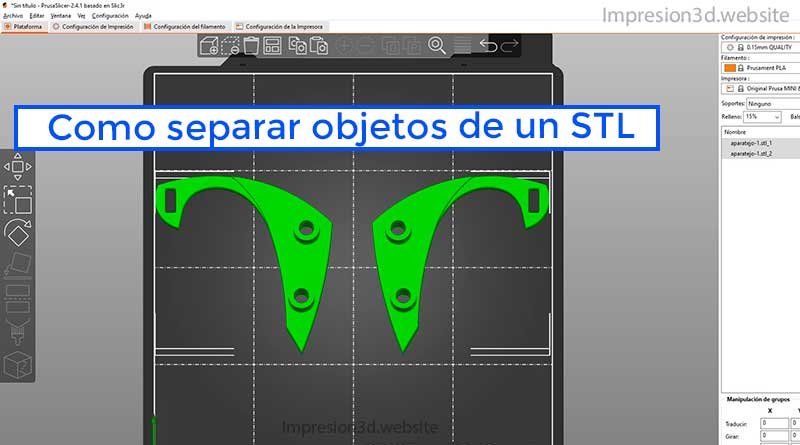
To separate objects within the same STL file, you'll need to use a program like PrusaSlicer to split them. Now you have your model in a file…
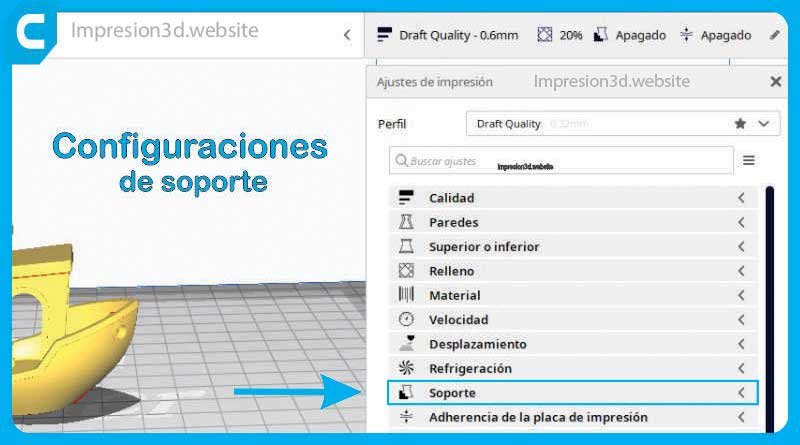
When it comes to printing complex 3D models, supports are an essential part of the process. In Ultimaker Cura, you can customize and adjust a wide range…
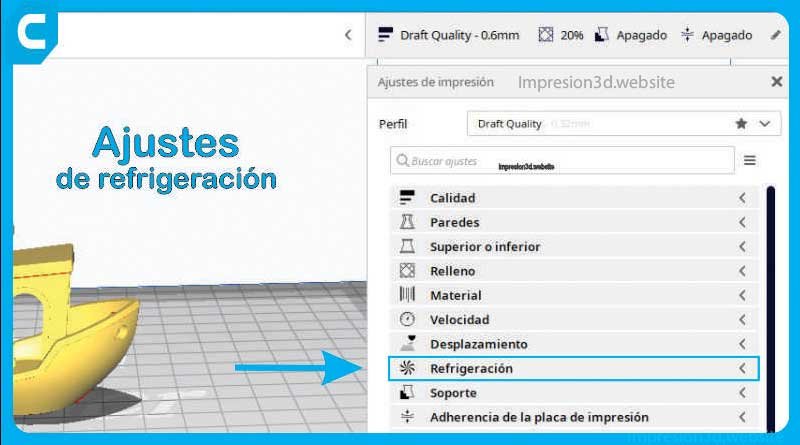
The cooling settings in Cura allow you to enable layer fans during printing; these ensure that the material cools properly before…
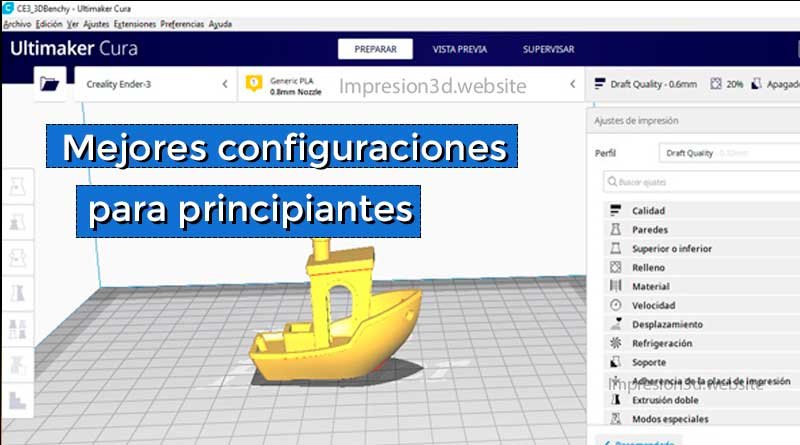
The best Cura settings will allow you to produce better 3D prints with fewer errors and a better time-to-quality ratio. Ultimaker Cura is an application…
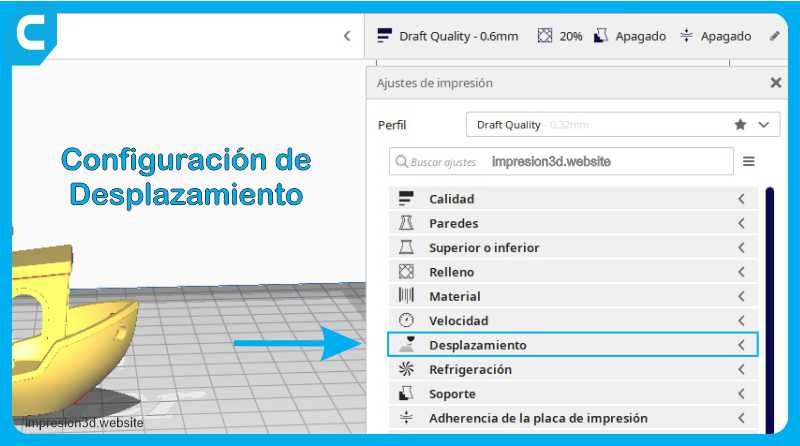
Hello! In this article, you'll learn about the different retraction settings in Cura. We'll explore options such as retraction, comb mode, and others…
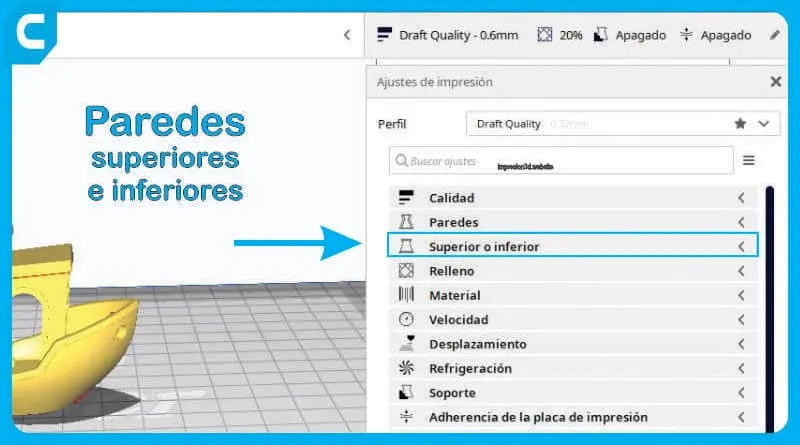
The configuration of the top and bottom layers in 3D printing is essential for producing a high-quality part. In this article, we’ll…
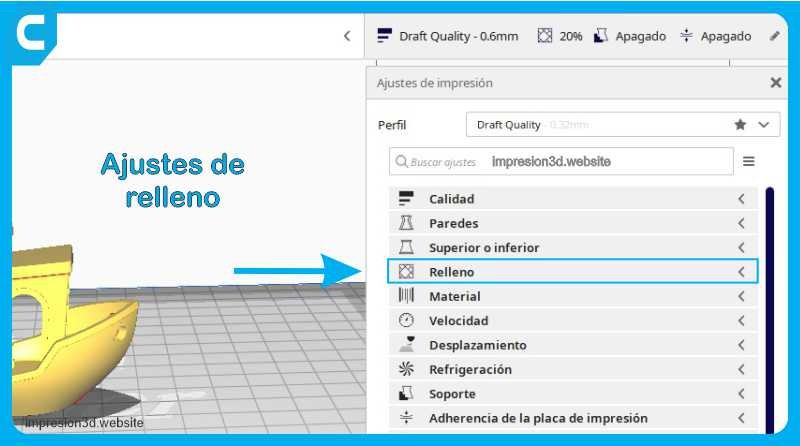
Fill Density: The fill density determines the amount of plastic the model will contain. A higher fill density means melting…
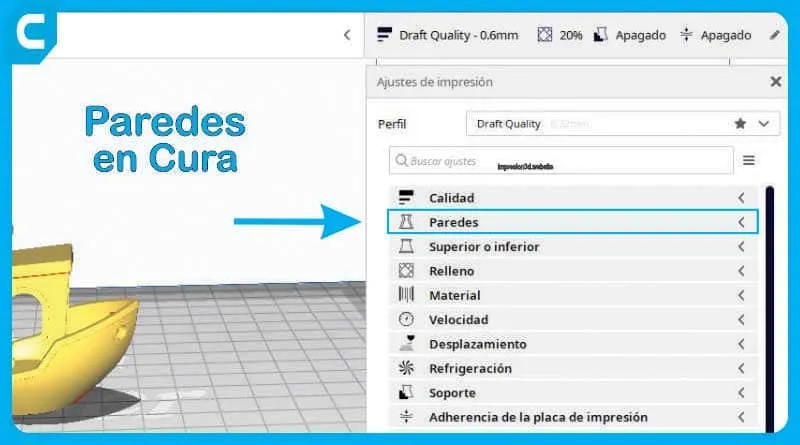
The wall settings in Cura allow you to adjust the thickness, number, and print sequence of walls, as well as…
Por favor, confirme que desea bloquear a este miembro.
Ya no podrá:
Tenga en cuenta: Esta acción también eliminará a este miembro de sus conexiones y enviará un informe al administrador del sitio. Espere unos minutos para que se complete este proceso.