How to Set Up OrcaSlicer for Your Ender 3 Step by Step (and Any 3D Printer)
If you have an Ender 3 and want to take advantage of OrcaSlicer, you'll be happy to know that this software already includes preconfigured profiles for most…

In this section, you'll find tutorials and guides on how to use slicing software such as Cura and PrusaSlicer, as well as techniques for optimizing print quality and speed to achieve the best possible results in your 3D prints.
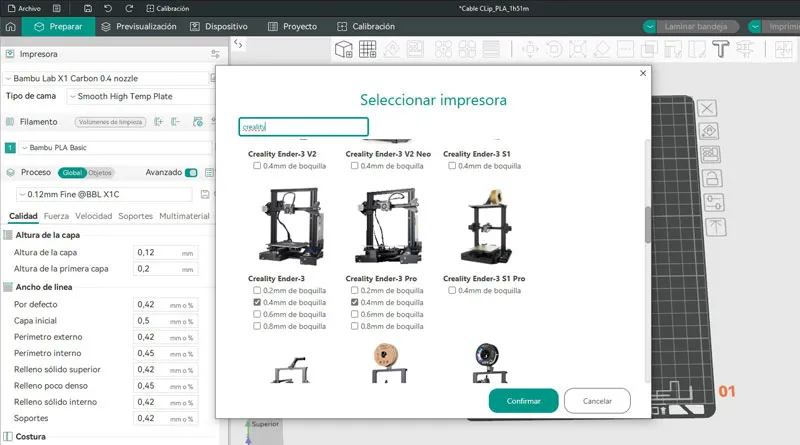
If you have an Ender 3 and want to take advantage of OrcaSlicer, you'll be happy to know that this software already includes preconfigured profiles for most…
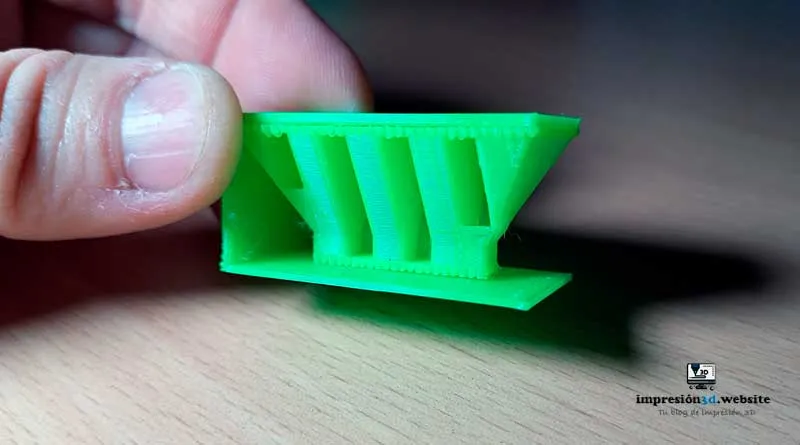
For easy-to-remove supports in Cura, optimize the following settings: Support Pattern, Support Density, Support Z Distance, X/Y Distance of…
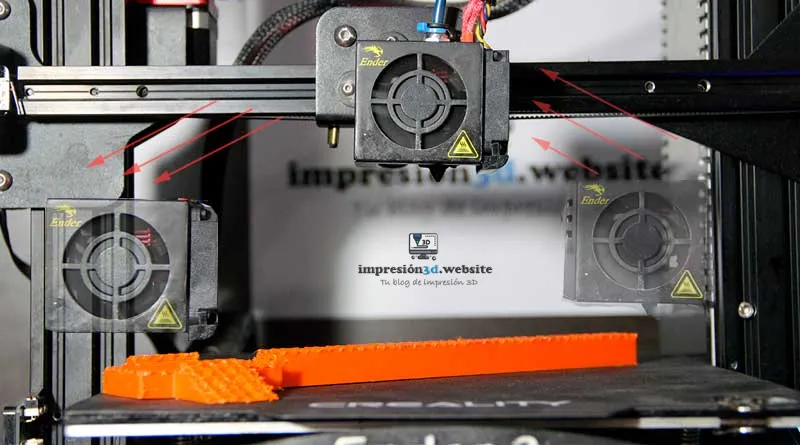
The Z-hop is a setting in the movement configuration that allows the nozzle to be raised off the print surface to prevent collisions…
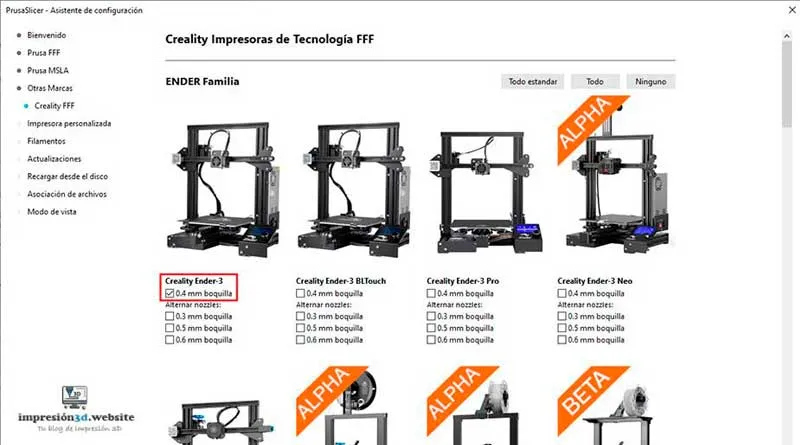
To add a printer in PrusaSlicer, go to the “Printer Settings” tab and open the printer’s “System Settings” window…
PrusaSlicer is open-source software for preparing 3D models for 3D printing. It is best known as the software used with…
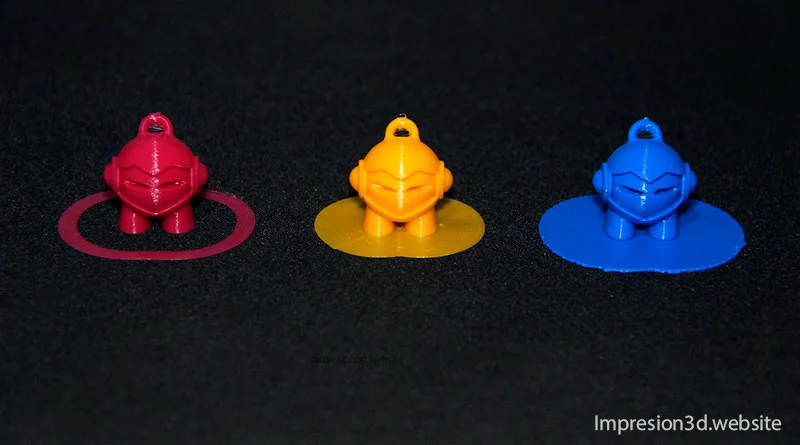
"Skirt" and "Rim" are Cura settings that determine the type of adhesion to the print bed. Using them correctly is vital…
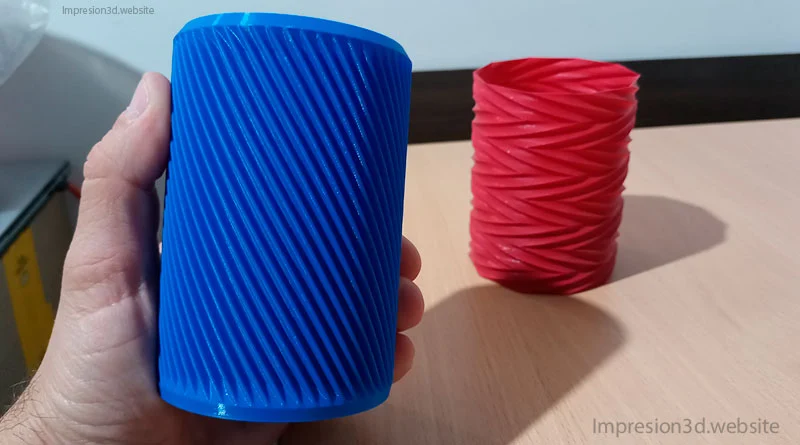
One of the special modes in Cura is “spiral the outer contour,” which is also known as “Vase mode” and is used…
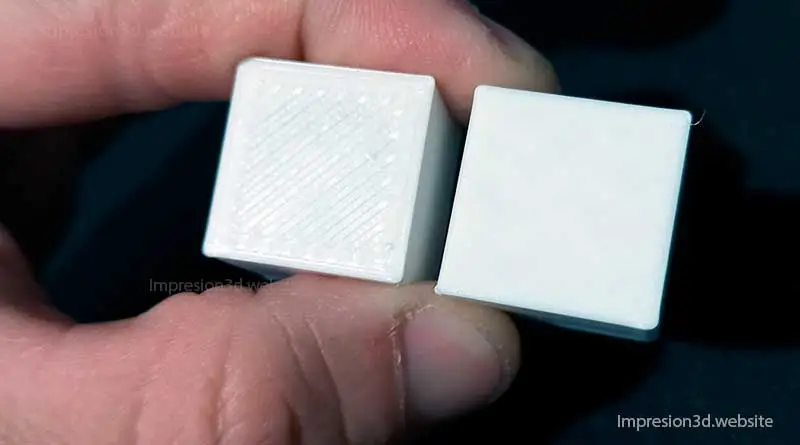
Smoothing is a setting in Cura that allows you to achieve smooth surfaces on the top layers of the printed model. When you enable this…
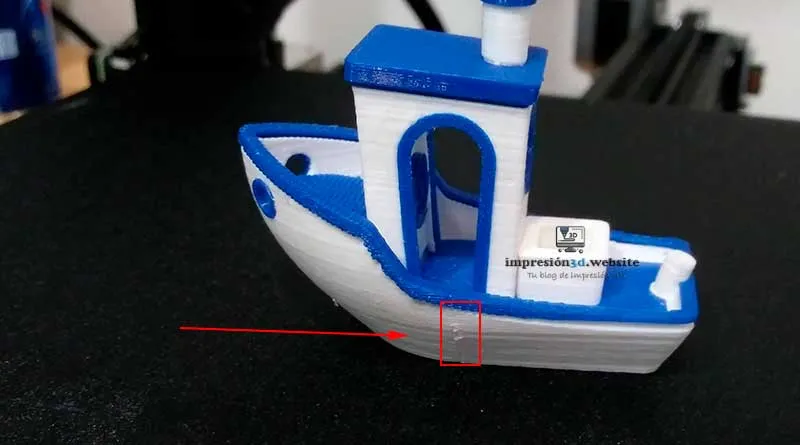
To hide seams in Cura, go to Wall Settings -> Z-Seam Alignment, and then choose the best options for the…
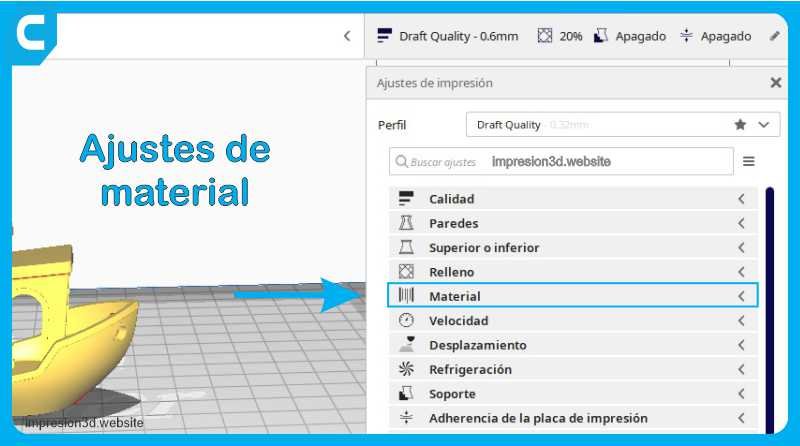
Print temperature is one of the key factors that determine the success of your print job. Properly controlling the temperature allows you to achieve results…
Por favor, confirme que desea bloquear a este miembro.
Ya no podrá:
Tenga en cuenta: Esta acción también eliminará a este miembro de sus conexiones y enviará un informe al administrador del sitio. Espere unos minutos para que se complete este proceso.