What Is 3D Printing and How Does It Work?

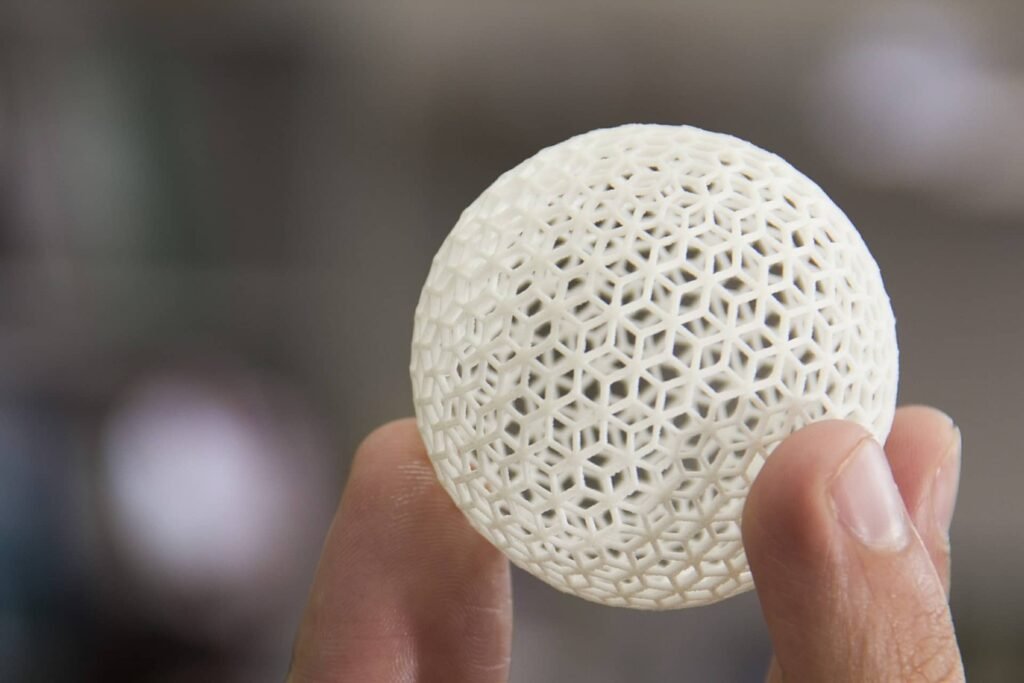
3D printing is the process of transforming a virtual 3D model into a three-dimensional, physical, and tangible object.
This process is carried out using a combination of various types of 3D design software, segmentation programs, and a machine that executes the commands issued by those programs.
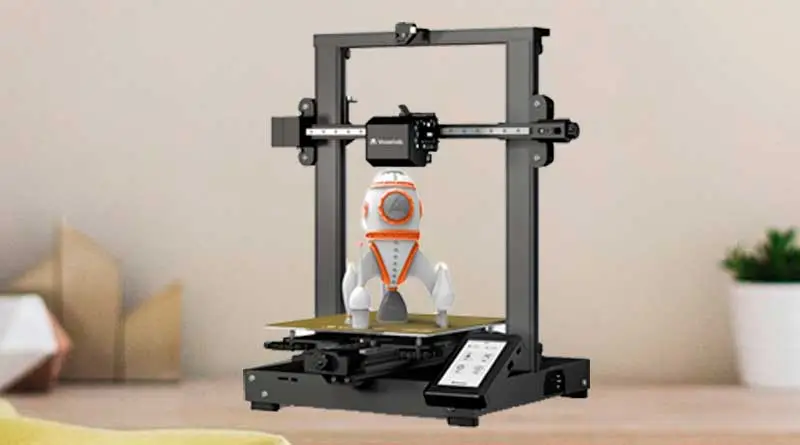
This machine is commonly known as a 3D printer and is capable of creating three-dimensional objects using a system that deposits the correct amount of material layer by layer, resulting in a three-dimensional object as the final product.

Today, 3D printing technologies have advanced so much that they even allow us to print a wide variety of objects using different materials.
Such as 3D-printed food, concrete houses, boats, structures, and even technologies for printing human organs are still being developed.
Today, 3D printing has become so popular that it's very likely we'll all have a 3D printer on our desks before long.
How does 3D printing work?
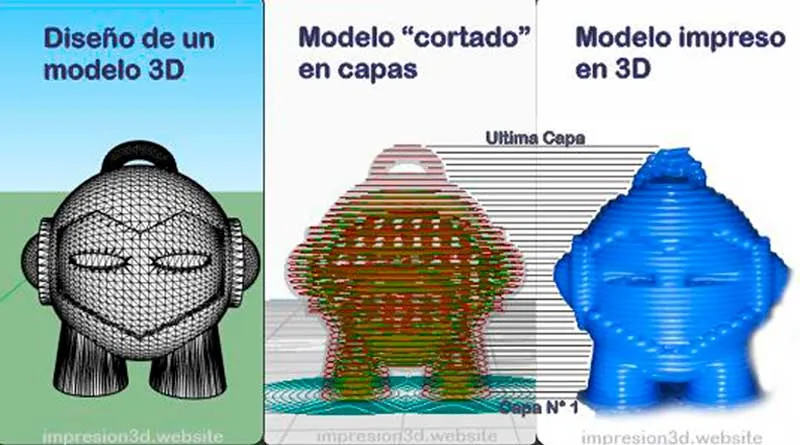
The 3D printing process works by taking a model—or a computer-generated image—and digitally slicing it into many layers.
Once this is done, the 3D printer will begin printing by depositing material one layer at a time, layer by layer, until the printing process is complete.
To understand how this technology works, we need to break it down into three stages, which will give us a deeper understanding of how it operates.
Step 1: Creating a 3D Design
To 3D print, you must have a 3D model. You can create a model yourself or download one from various websites where creators share their work for free or for a fee.
There are various types of 3D design software capable of creating a virtual, three-dimensional object designed from scratch by its creator. Many of them are paid programs, but many others are free.
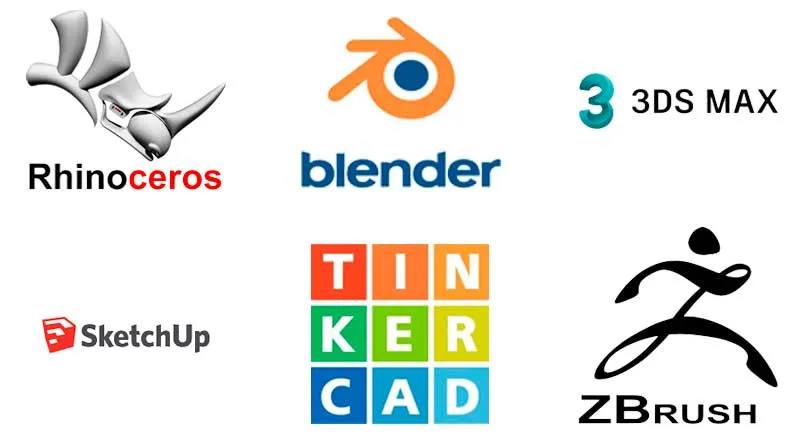
Some examples include programs such as: 3ds Max, SketchUp, Blender, ZBrush, Adobe 3D, Rhinoceros (among others), and even a free online design program called Tinkercad.
What if I don't know how to design in 3D?
If you don't know how to design in 3D, don't worry—there are websites where designers share their creations.
Some of these sites include Thingiverse, Cults 3D, and Myminifactory, among others, offering hundreds and even thousands of 3D models available for online download, always respecting the creators' copyrights.
Once the 3D object has been created (or downloaded), it is called a 3D model, and this is the first requirement for printing it. This file will be saved on our computer in a format called “STL,” and it is the file we will use with the slicer.
Step 2: Segmentation, or cutting into layers.
After creating our 3D model, we'll need a program—known as a “slicer”—whose function is to slice it into hundreds or even thousands of “layers.”.
We can download these programs for free from the internet, directly from their creators' websites. Some of them include: Ultimaker Cura, Prusa Slicer, Creality Slic3r, and others.
One of the most widely used programs, thanks to its user-friendly interface, is Ultimaker Cura.
With this software, we can open the STL file we downloaded or created earlier and slice it into layers so that the 3D printer can recognize its format and begin the printing process.
While designing a 3D object is extremely complex for some people, so is using a slicing program, since these programs involve many variables, and making a mistake with any one of them can lead to failure during the printing process.
But don't worry! By now, there's enough information out there to learn and get started without making too many mistakes. In this blog, we'll cover a lot about this topic, and you're welcome to come back as often as you like.
Once our 3D model has been segmented or sliced into hundreds of layers, the software will save all the instructions in a file called “G-code” so that the 3D printer can understand them and begin creating, layer by layer, a three-dimensional object that will amaze us.
Step 3: Using the 3D Printer.
At this stage, we won't be using any more software, and we'll move on to the practical steps of setting up and preparing the printer.
3D printers do not work like traditional inkjet printers, where you send the file and the machine handles the printing process automatically and reliably.
Before printing, 3D printers must be properly calibrated and leveled.
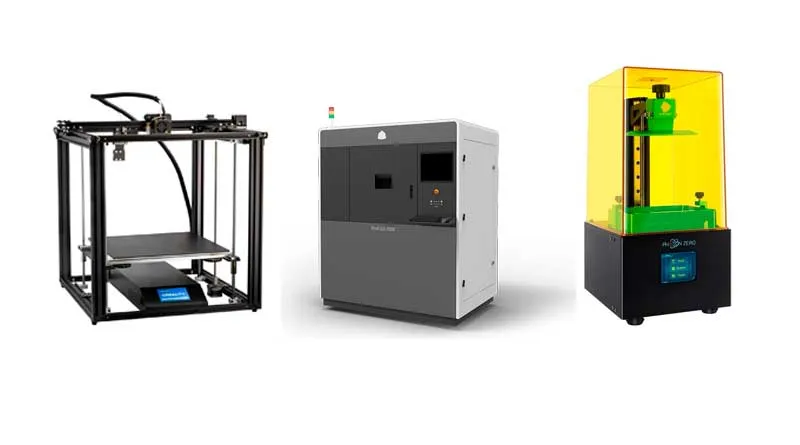
There are different types of 3D printers, including Stereolithography (SLA), Selective Laser Sintering (SLS) 3D printers, Injection 3D printers, and Fused Deposition Modeling (FDM) 3D printers.
How does a 3D printer work?
To understand how it works, we need to know its parts and what functions they serve. In the world of 3D printing, there are different types of 3D printers that operate in different ways and use different types of materials.
In this blog, we'll take a closer look at each of them, but for educational purposes, we'll use FDM—fused deposition modeling—as an example.
As an example, I'll use one of the best-selling 3D printers in recent years due to its value for the price: the Creality Ender 3.
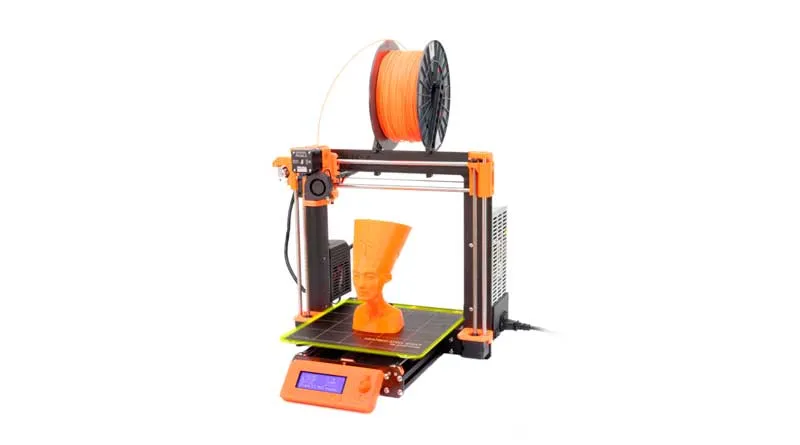
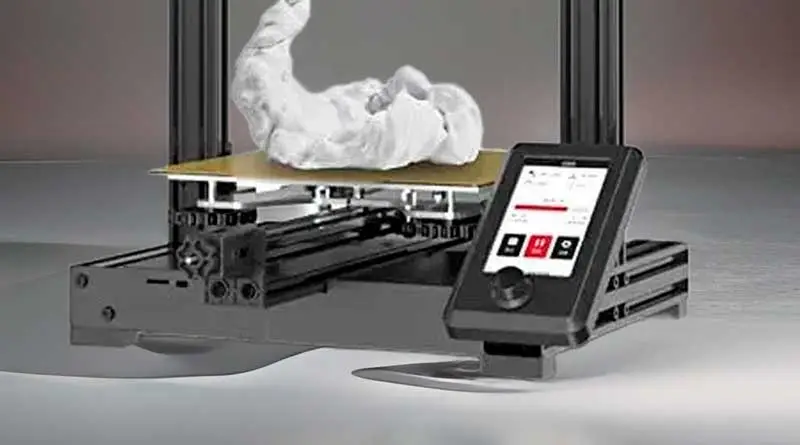
Parts of a 3D Printer (FDM)
- Frame: It can be made of metal, aluminum, or even include 3D-printed parts, and it will serve as the base to which the other components will be attached.
- Coordinate axes: X, Y, and Z are rails that allow the printer to move as needed along these axes to print the part.
- Extrusion System: It consists of a motor that pushes the filament through a tube called a Bowden tube until it reaches a nozzle, where the filament is melted and deposited onto a heated bed.
- Hotend: It is part of the extrusion system and is a key component, as it is responsible for heating and melting the plastic that reaches the nozzle so that it can be deposited onto the heated bed.
- Nozzle: This is a metal nozzle through which the molten plastic is extruded onto the heated bed, where it is immediately cooled by the fans.
- Heated bed: This is the surface where the parts will be printed. It is called "heated" because its temperature rises to ensure better adhesion of the material, preventing the part from lifting or peeling off in the middle of the print.
Now that you are familiar with its parts, proceed to calibrate and level the printer so that you can begin printing.
Conclusion:
The 3D printing process can take many hours, and its success will depend on the proper interplay of all the factors mentioned above.
- A flawless 3D model design.
- The Proper Use of the Slicer Program.
- Assembly, Calibration, and Leveling of the 3D Printer.
If any of these steps fails, the final result will undoubtedly contain numerous printing defects, and the entire process will have to be repeated, resulting in the loss of all the material that was used.
If we did everything right, once the entire process is complete, we’ll have a 3D-printed product in our hands—a physical object created from a virtual model, with endless real-world applications.
You can also read: “What to Know Before Buying a 3D Printer“
Responses