Layer Height, Ultimaker Cura in Spanish.

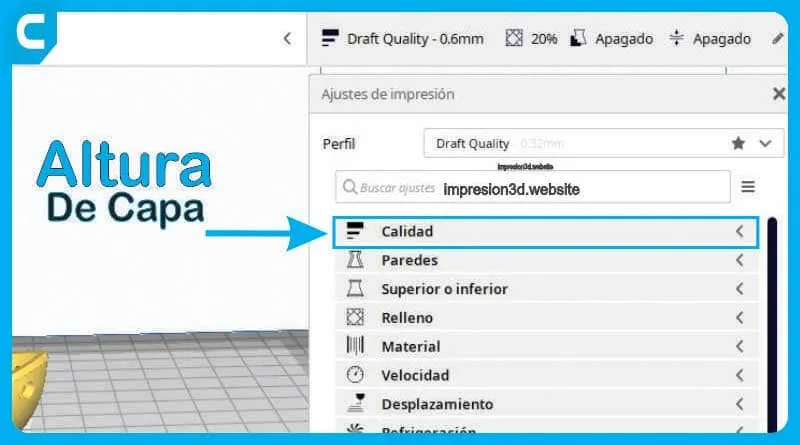
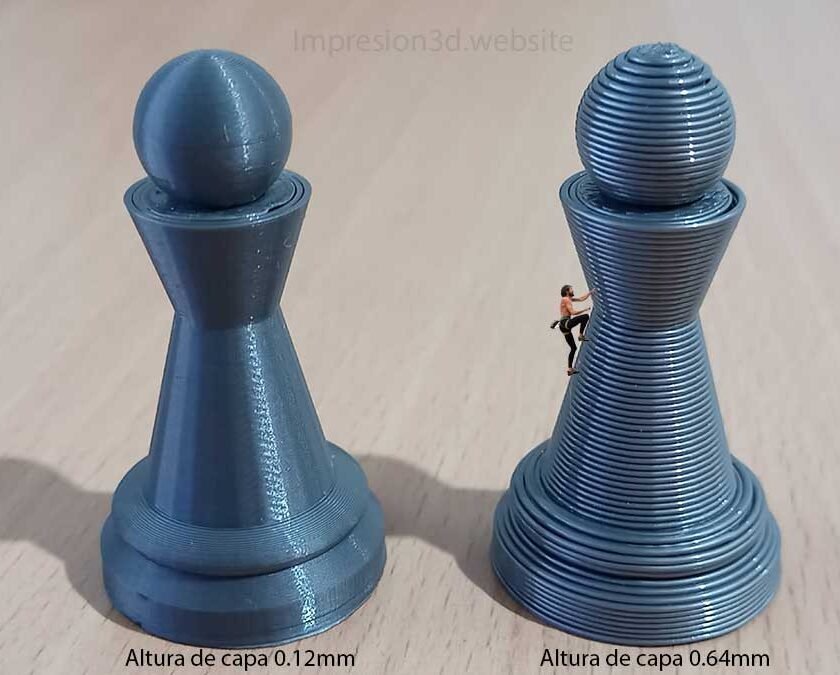
Layer height is the thickness of a printed layer, expressed in millimeters. This setting determines the number of layers needed to complete a full model and, therefore, has a direct impact on print time and the quality of the final part.
If you use a thin layer height, you'll need more layers and more print time to complete the model. However, the final result will be a part with a smoother surface.
On the other hand, if a thicker layer height is used, fewer layers will be required and the print time will be shorter, but the final part will have more visible details in the Z-axis (height) direction of the model.
Therefore, it is important to choose the appropriate layer height to determine the quality of the printed part, since the chosen quality will directly affect the print time.
If you want higher quality, the print time will be longer; if you want lower quality, the print time will be shorter.
- Higher quality = longer print time
- Lower quality = shorter print times
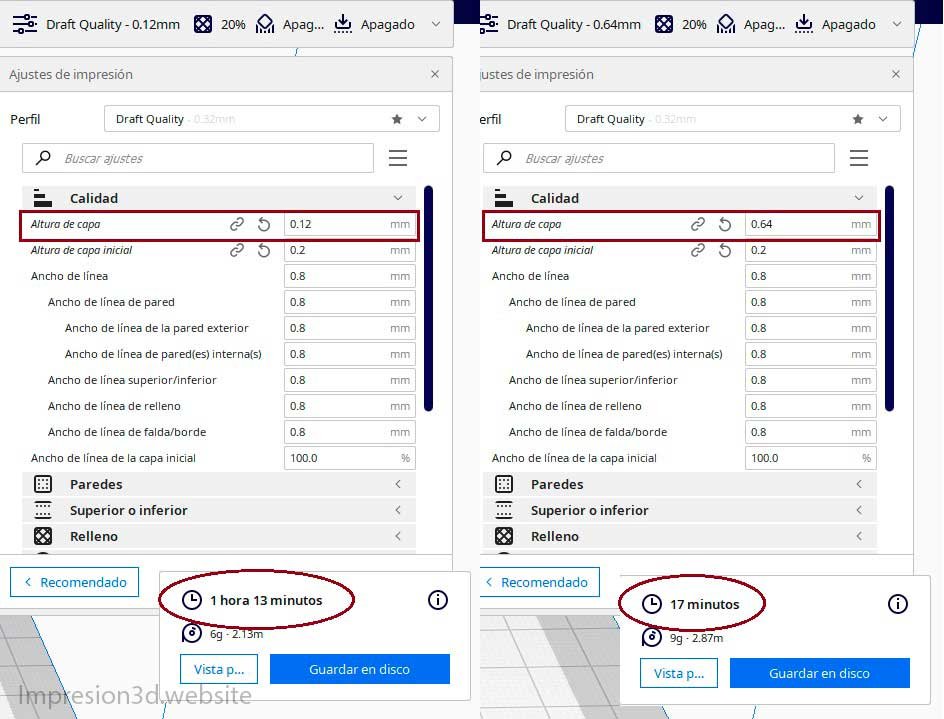
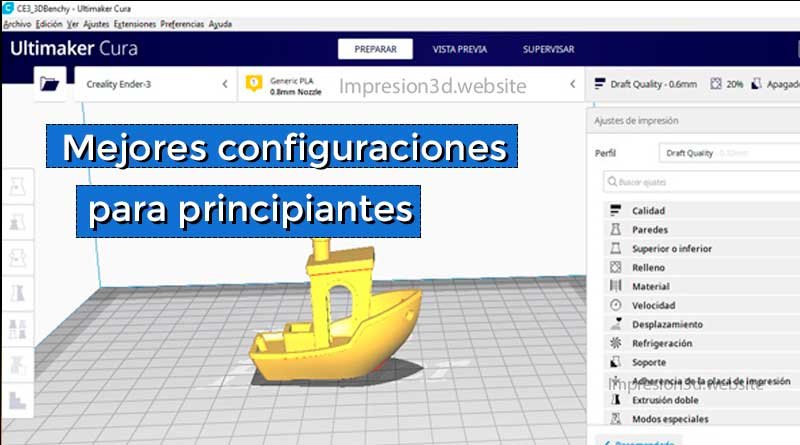
In Cura, you can choose preset profiles for layer heights in direct proportion to the size of the nozzle being used, as well as set up your own custom configurations.
Recommended layer thickness: 0.2 mm for 0.4 mm nozzles / 0.28 mm for 0.8 mm nozzles
Initial layer height
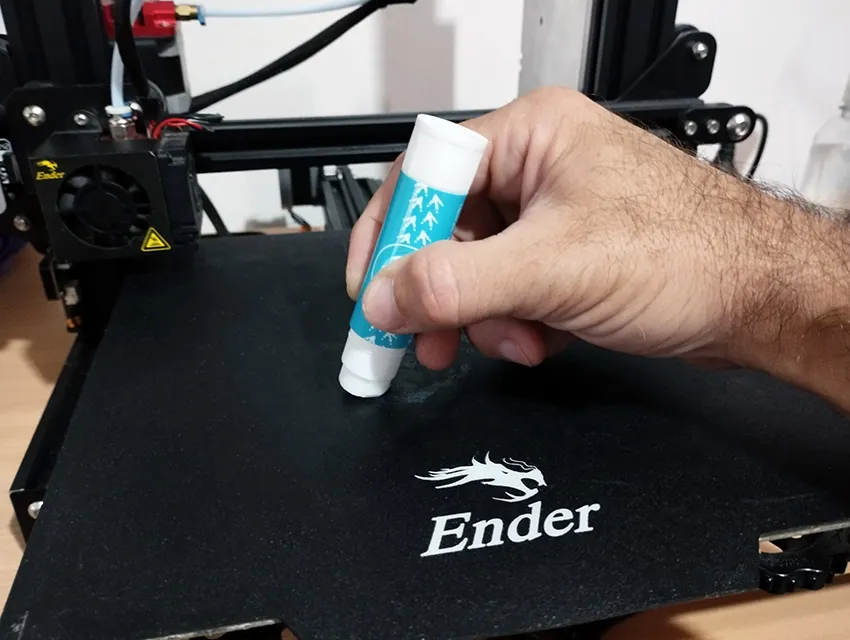
The Initial Layer Height is one of the most important settings in the entire printing process, as it directly affects how well the printed object adheres to the heated bed. The first layer must be thin enough to ensure good adhesion, but not so thin that it causes jams in the extruder.
Therefore, a balance must be found between achieving strong adhesion to the bed without causing errors and maintaining a slow speed to ensure this.
Recommended initial layer thickness: 0.2 mm Recommended starting speed: 20 mm/s
Line width
The line width corresponds to the width of a printed line and should be equal to the size of the nozzle being used.
If you use a 0.4 mm nozzle, the line width should be 0.4 mm, and so on for all line width options.
The extrusion speed will be adjusted based on the selected line width, and the amount of material to be extruded will be calculated automatically.

Recommended line width: Set the line width to equal to the size of the nozzle.
In Cura, you can configure different line widths for various purposes, such as wall width, top or bottom line width, infill line width, skirt or edge line width, support interface line width, and main tower line width.
In general, it is recommended to set the line width to be equal to the nozzle size.
Available Line Widths
- Wall width: Width of a single wall line, expressed in millimeters.
- Top/Bottom Line Width: This is the line width used to print the top and bottom layers.
- As a filler: This is the width of the fill lines.
- From the skirt / edge The width of the skirt's seam or the edge lines.
- From the support interface: Line width of the support interface.
- From the main tower: the width of a single row of the main tower.
- Initial line width: the line width of the first layer.
In conclusion, layer height, initial layer height, and line width are fundamental parameters in 3D printing that directly affect print quality and print time. It is important to choose these settings carefully to ensure exceptional print quality and optimal process efficiency.
Continue reading about: “Best Cura Settings for Beginners“
YouTube video: Nomana Tech
HELLO, GOOD MORNING!!! I'M JUST GETTING STARTED WITH THIS AND I WANT TO MAKE COOKIE CUTTERS, BUT I STILL CAN'T GET MY THINNEST WALLS TO STICK TOGETHER—THERE'S A GAP BETWEEN THEM. ANY ADVICE?
Good morning, Mercedes!
There may be several reasons why the walls aren't sticking properly, but one of the most common reasons is insufficient flow.
Maybe you could run some flow tests to see if you can find the problem. Here's a link so you can check it out and see if it might be helpful.
Always remember to make sure your bed is level.
Feel free to check out other sections of the blog—you might find something useful.
Thank you very much for visiting…
You might need to check the box labeled “Fill between walls,” or something like that, since I’m not sure if you mean that the wall should be, for example, 1 mm wide and your nozzle creates walls that are 0.4 mm wide, leaving a 0.2 mm gap between the walls. Best regards.
[…] Continue reading about: “Layer Height, Ultimaker Cura in Spanish“ […]
[…] Layer height, Ultimaker Cura in Spanish. […]