Material Settings: Curing Temperature

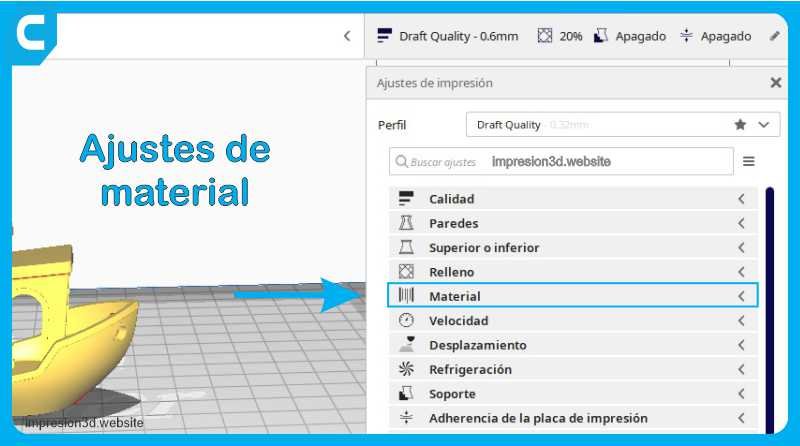
Print temperature is one of the key factors that determine the success of your print. Properly controlling the temperature allows you to achieve optimal results and avoid problems such as warping, poor layer adhesion, or excessive stringing.
Printing Temperature
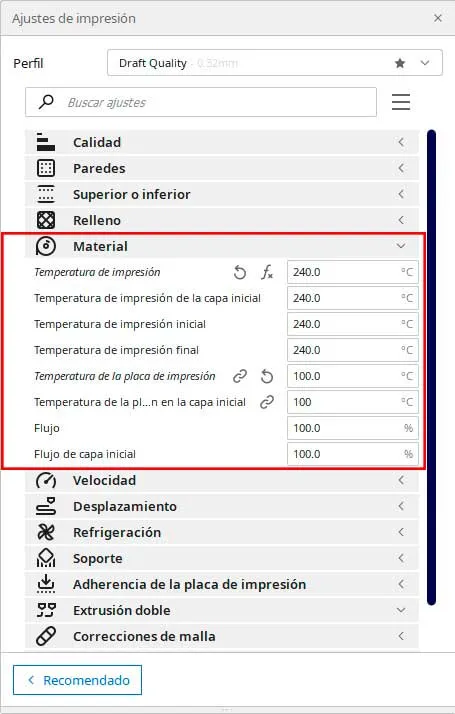
This setting will allow you to select the desired print temperature. This is the temperature of the nozzle, at which the extruded filament material will melt.
This temperature will remain constant throughout the entire print job unless other parameters are changed.
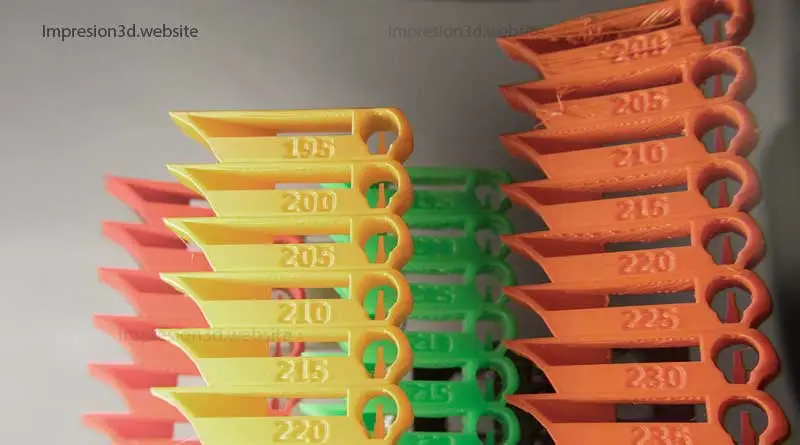
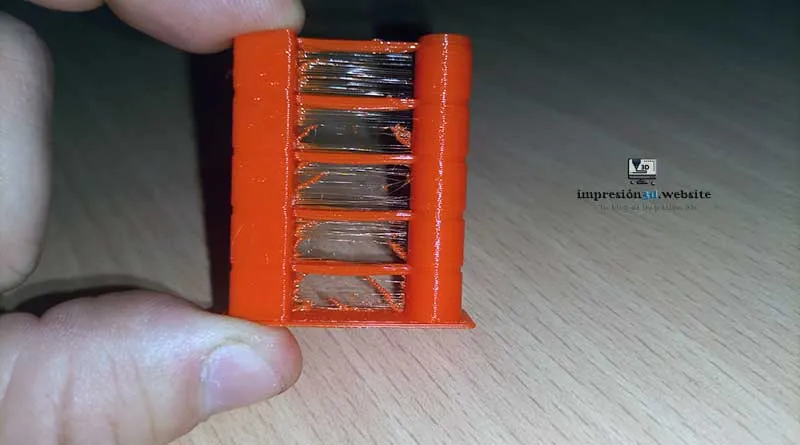
Recommendation: prints a temperature tower to find out what the optimal temperature is for the filament you're using.
Video from the channel: 3D Printed
Print temperature for the first layer
The temperature of the first layer is particularly important, as it affects adhesion to the print bed.
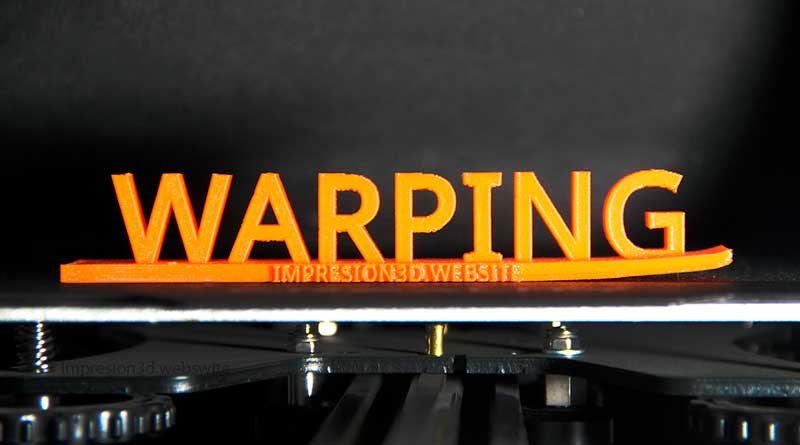
If the temperature is too low, adhesion may be poor and the part could come loose. On the other hand, if the temperature is too high, the first layer may warp.
This is the temperature used to print the first layer. You can set this to 0 to disable temperature changes in the initial layer.
Initial print temperature
This is the temperature used during the first few layers of the print. This temperature may vary depending on the type of material you are using.
In general, a higher temperature is recommended for materials that tend to warp, such as PETG or ABS.
This setting determines the temperature at which the nozzle can begin printing the material. It is the minimum temperature at which printing can begin while the desired temperature is being reached.
The initial temperature must be high enough to allow the material to melt and adhere properly to the plate. If the initial temperature is too low, the material will not melt properly, and adhesion problems may occur.
For example: If I select 215°C as the temperature, I can set the initial print temperature to 205°C so that printing begins until the desired temperature is reached.
Final printing temperature
This refers to the temperature used in the upper layers. It is generally slightly lower than the initial print temperature. This setting helps prevent the model from warping due to heat buildup.
This setting corresponds to the temperature at which you can begin cooling the nozzle just before the print is finished.
Print Head Temperature
In addition to the temperature of the material, it is essential to take into account the temperature of the printing plate. This temperature affects how well the print adheres to the surface of the plate.
In general, it is recommended to preheat the plate to a temperature appropriate for each material before starting the printing process.
This setting defines the temperature of the hot bed. If the value is 0, the print bed will not heat up. Each type of filament has an ideal print bed temperature.
The print bed temperature should be adjusted according to the material being used. In general, it is recommended that the print bed temperature be around 60 degrees Celsius for PLA and 80 degrees Celsius for ABS.
Plate temperature in the initial layer
For the first layer, it is helpful to slightly increase the temperature of the print bed to improve the material's adhesion. This can be achieved by adjusting the temperature settings in the printing software.
Good adhesion of the first layer is crucial to prevent the print from peeling off during the process.
This is the temperature of the build plate when printing the first layer. In general, it is recommended that the build plate temperature for the first layer be approximately 5–10 degrees Celsius higher than the normal build plate temperature.
Flow
In addition to temperature, material flow is also important for achieving a high-quality print. Flow refers to the amount of material being extruded from the nozzle during printing.
If the flow rate is too high, material can build up in the nozzle and cause clogs. If the flow rate is too low, the print may have gaps or may not print at all.
It is important to set the flow rate correctly for each material and each print. For most materials, it is recommended that the flow rate be set between 90% and 100%.
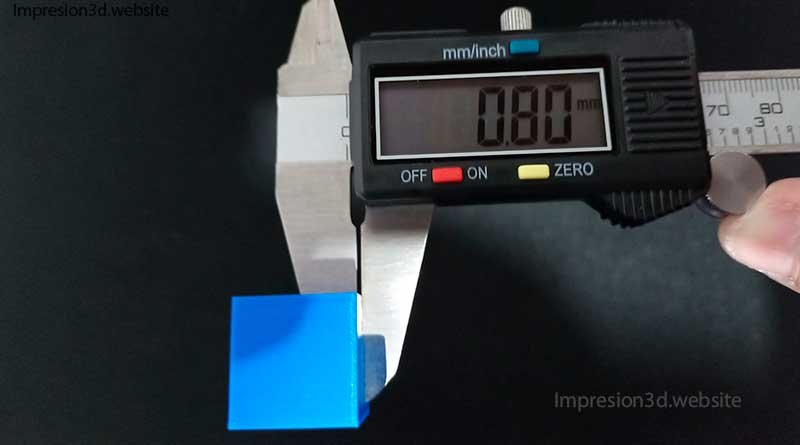
I invite you to read the following post: “How to Calibrate the Extruder Flow on Your 3D Printer to Produce More Accurate Parts“
Recommended Temperatures by Material Type
Let's take a look at the recommended temperatures for some of the most commonly used materials:
PLA (Polylactic Acid): The recommended temperature range for PLA is between 190°C and 220°C. Different brands and types of PLA may have slight variations in their ideal temperatures, so it is important to consult the filament manufacturer's specifications.
ABS (Acrylonitrile Butadiene Styrene): ABS is generally printed at temperatures ranging from from 230°C to 260°C. It is crucial to use a closed chamber or a temperature control system to prevent warping caused by temperature differences.
PETG (Polyethylene Glycol): PETG is typically printed at temperatures ranging from from 220°C to 250°C. It is less prone to warping than ABS and offers greater mechanical strength.
NYLON: Nylon requires higher temperatures, generally between 240°C and 260°C. In addition, it is important to use a heated print bed set to a temperature of around 70°C for better adhesion.
| Material Type | Nozzle Temperature | Bed Temperature |
| PLA | between 190°C and 220°C | 50 |
| ABS | between 230°C and 260°C | 100 |
| PETG | between 220°C and 250°C | 70 |
| NYLON | between 240°C and 260°C | 100 |
Frequently Asked Questions
What is the best temperature for printing PLA?
The recommended temperature for printing PLA ranges from 190°C to 220°C. However, I suggest you check the specific recommendations from your filament manufacturer to get the best results.
What is the best temperature for printing with PETG?
For PETG, a temperature range of 220°C to 250°C is recommended. Be sure to also set the print bed temperature to around 70°C for good adhesion.
What temperature can PLA withstand?
PLA can withstand moderate temperatures, generally up to about 60°C. However, keep in mind that PLA can warp if exposed to high temperatures.
What temperature can ABS withstand?
ABS is more heat-resistant than PLA and can withstand temperatures of up to 80°C. However, it is important to note that heat resistance may vary depending on the quality and specific composition of the ABS filament.
What is the Temperature Tower?
The temperature ramp is a technique used to gradually adjust the temperature during printing. It is used to determine the optimal temperature that produces the best mechanical properties and print surfaces for a given material.
Try out a temperature tower to find the settings that best suit your needs.
Keep in mind that the temperatures listed are only general guidelines, and you may need to make adjustments based on the specific conditions of your printer, the filament you're using, and your model's design.
Continue reading: Speed Settings in Cura
Responses