Cooling Settings in Cura
The cooling settings in Cura allow you to enable layer fans during printing; these ensure that the material cools properly before…

Ultimaker Cura is one of the most popular and widely used slicer programs in 3D printing.
It features a user-friendly graphical interface that allows you to preview the 3D print and adjust the settings in real time.
Among Cura's key features are the generation of print supports, the ability to print models in multiple parts, and the option to select different types of materials and print settings for each part.
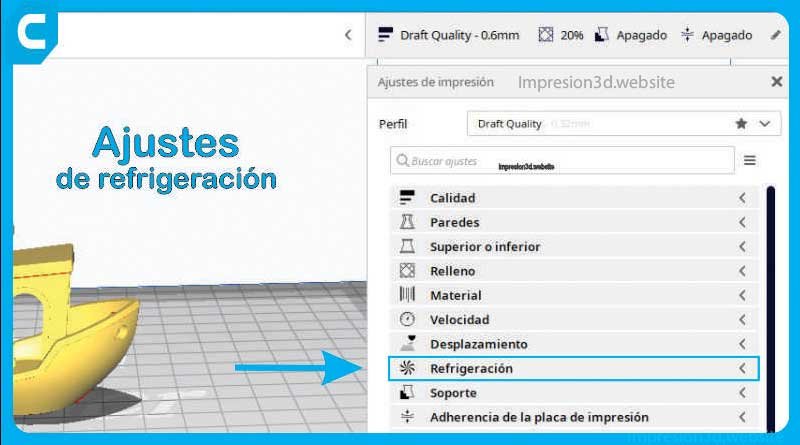
The cooling settings in Cura allow you to enable layer fans during printing; these ensure that the material cools properly before…
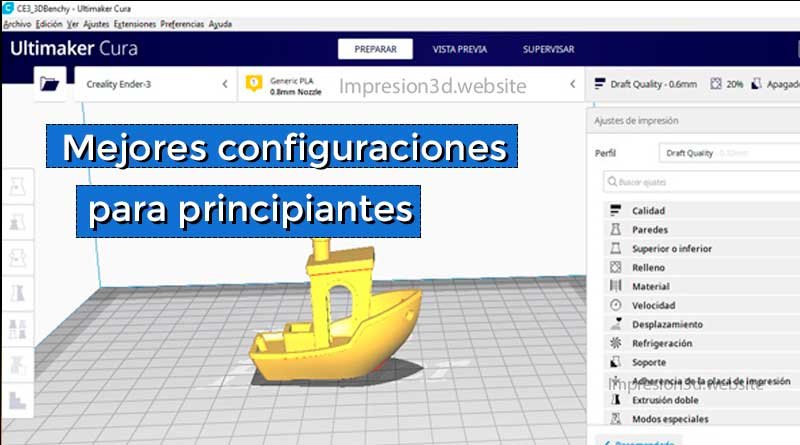
The best Cura settings will allow you to produce better 3D prints with fewer errors and a better time-to-quality ratio. Ultimaker Cura is an application…
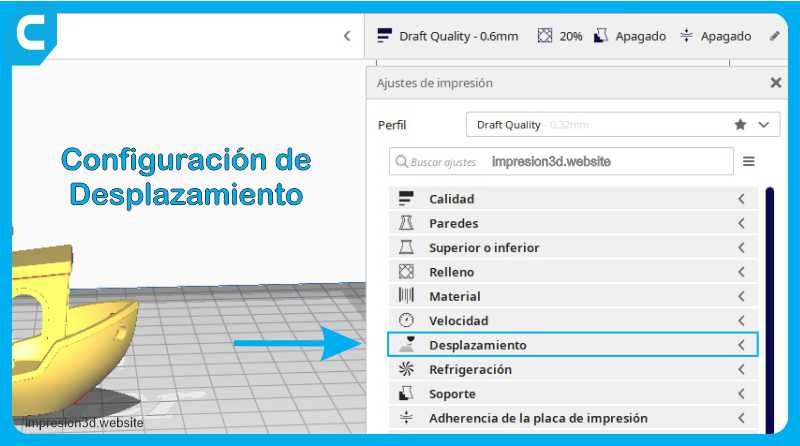
Hello! In this article, you'll learn about the different retraction settings in Cura. We'll explore options such as retraction, comb mode, and others…
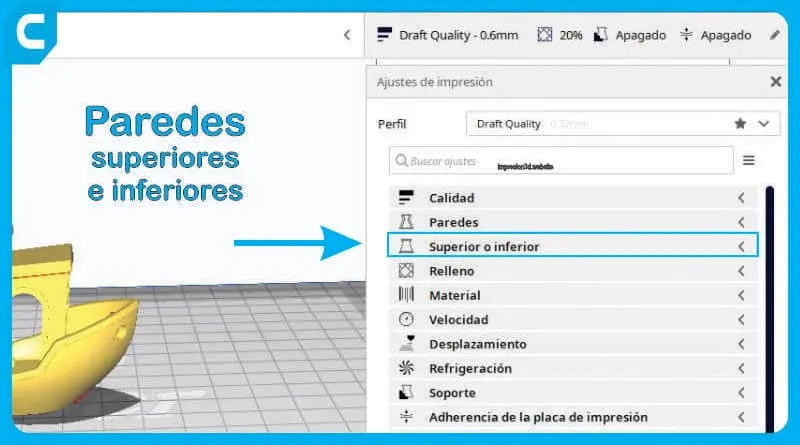
The configuration of the top and bottom layers in 3D printing is essential for producing a high-quality part. In this article, we’ll…
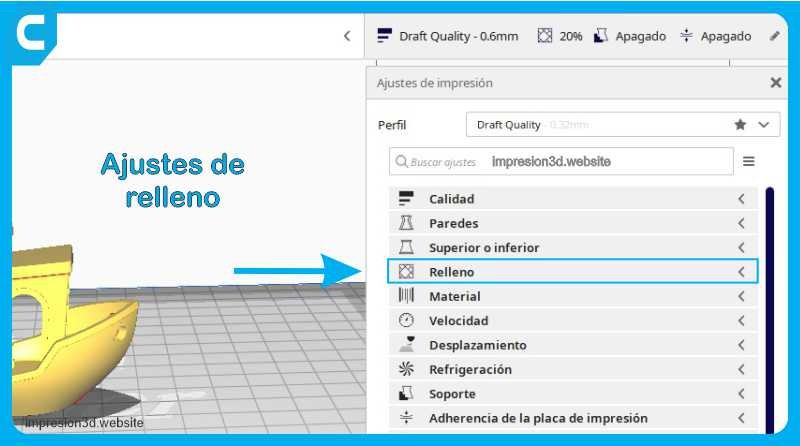
Fill Density: The fill density determines the amount of plastic the model will contain. A higher fill density means melting…
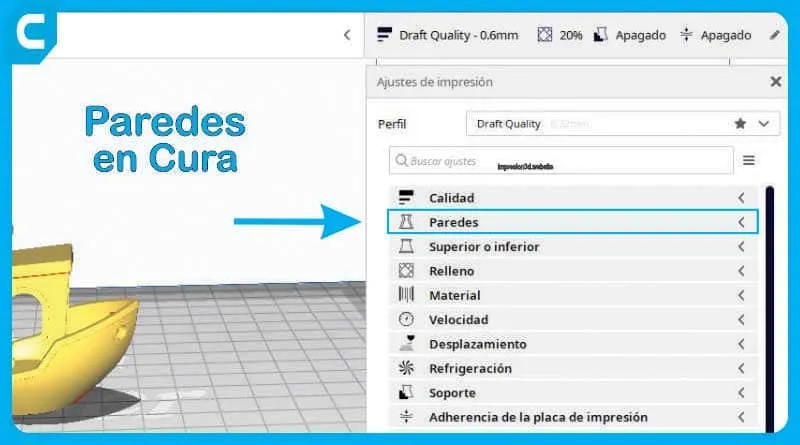
The wall settings in Cura allow you to adjust the thickness, number, and print sequence of walls, as well as…
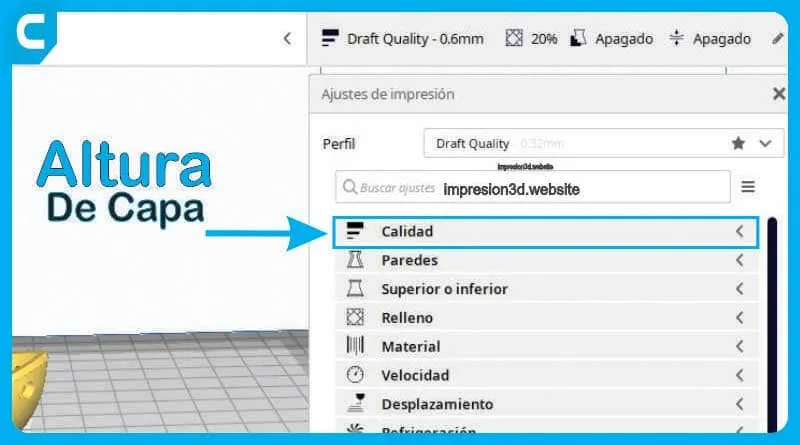
Layer height is the thickness of a printed layer, expressed in millimeters. This measurement determines the number of layers needed to complete a…
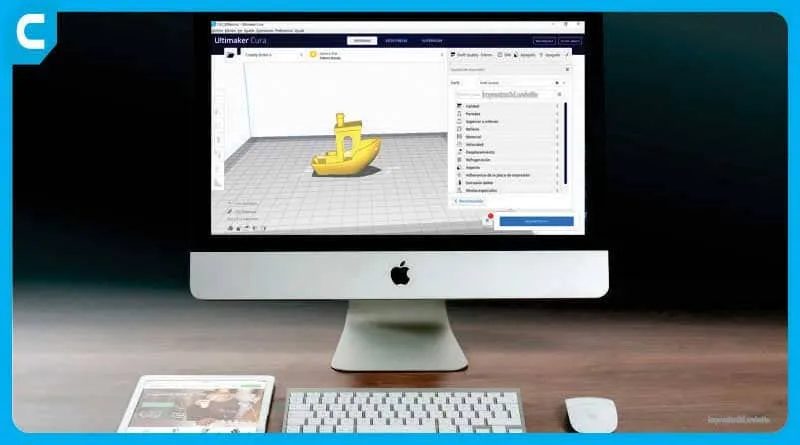
Ultimaker Cura (Ultimaker Cura in Spanish) is a software application designed to work with 3D printers. You can open 3D models to…
Por favor, confirme que desea bloquear a este miembro.
Ya no podrá:
Tenga en cuenta: Esta acción también eliminará a este miembro de sus conexiones y enviará un informe al administrador del sitio. Espere unos minutos para que se complete este proceso.