Skirt or Raft: Which One to Use in Cura?
"Skirt" and "Rim" are Cura settings that determine the type of adhesion to the print bed. Using them correctly is vital…

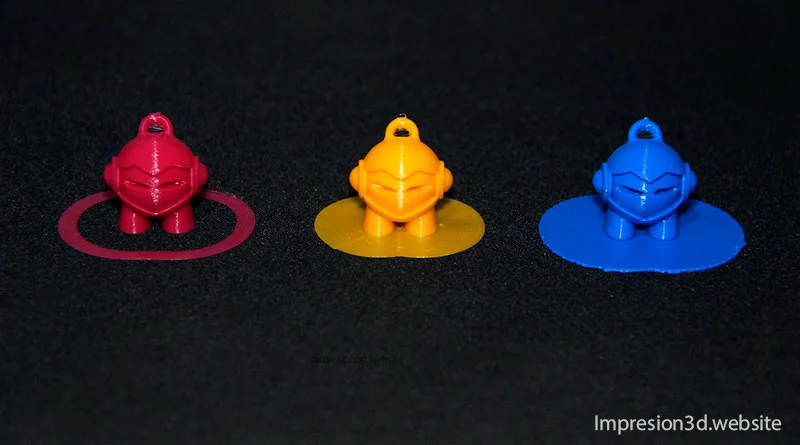
"Skirt" and "Rim" are Cura settings that determine the type of adhesion to the print bed. Using them correctly is vital…
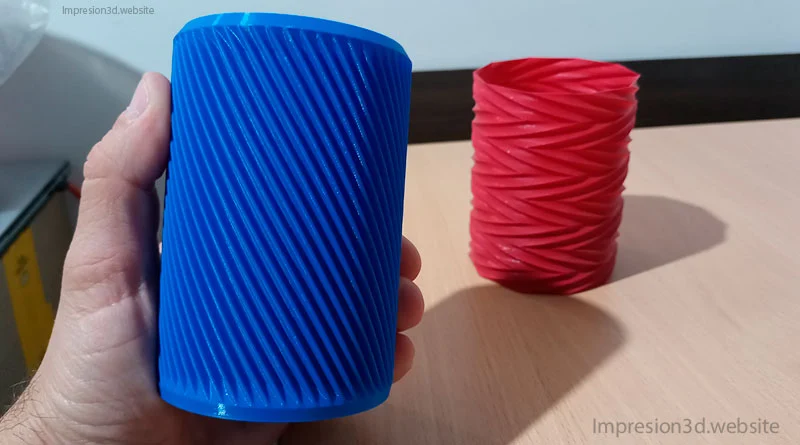
One of the special modes in Cura is “spiral the outer contour,” which is also known as “Vase mode” and is used…
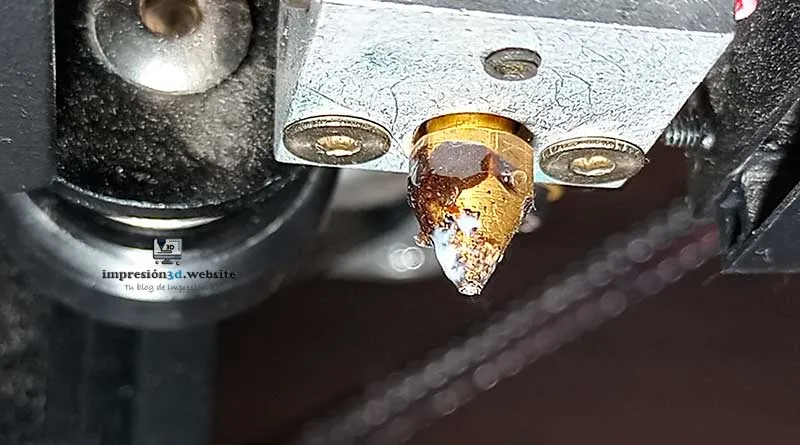
The nozzle of a 3D printer tends to accumulate a large amount of plastic, which, if not cleaned, will burn over time…
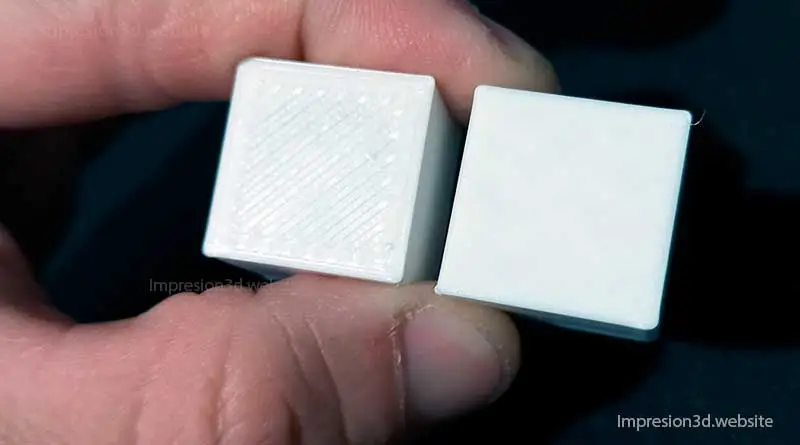
Smoothing is a setting in Cura that allows you to achieve smooth surfaces on the top layers of the printed model. When you enable this…
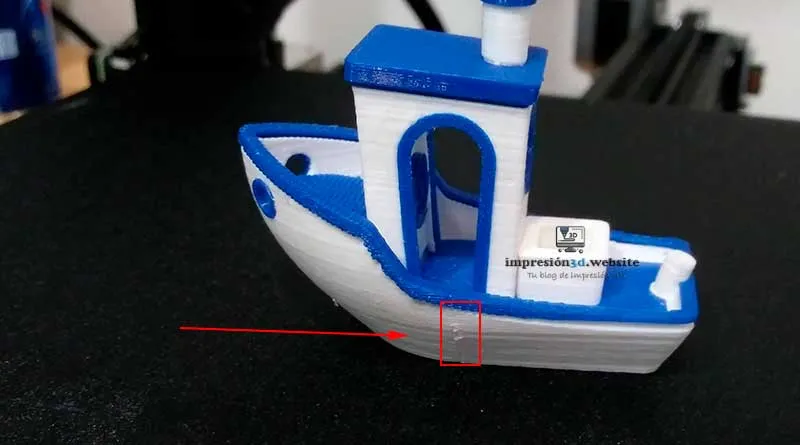
To hide seams in Cura, go to Wall Settings -> Z-Seam Alignment, and then choose the best options for the…
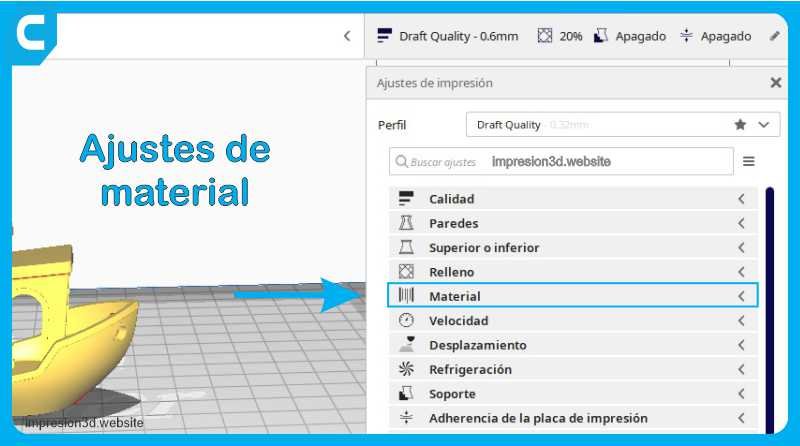
Print temperature is one of the key factors that determine the success of your print job. Properly controlling the temperature allows you to achieve results…
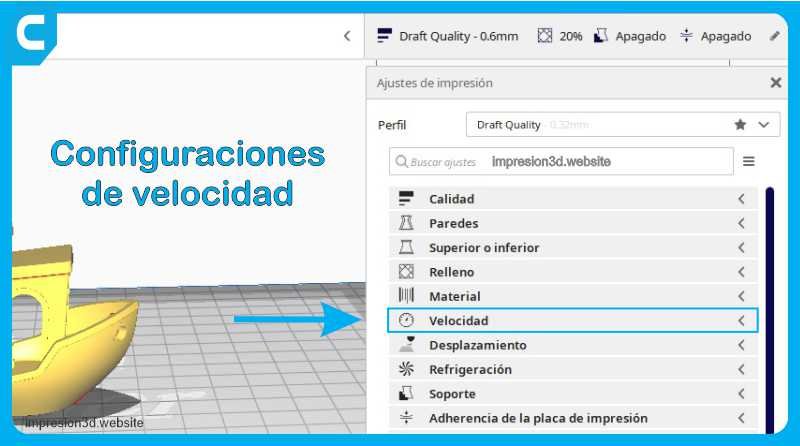
Print Speed This setting defines the speed at which the model will be printed, in mm/s. At high speeds, the times…
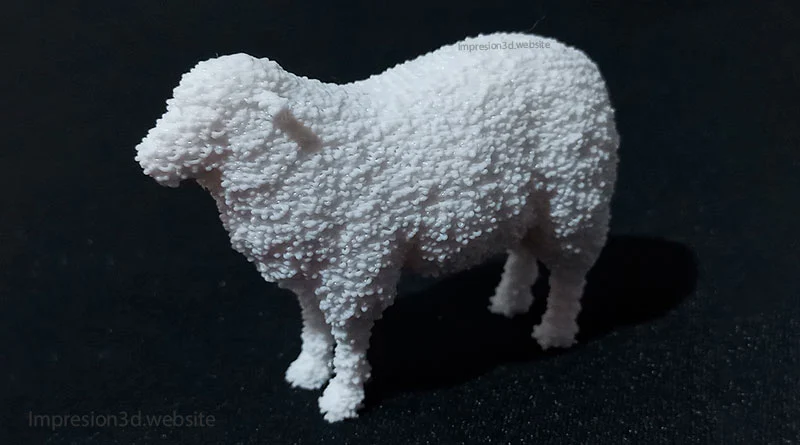
The "Fuzzy Skin" feature is a hidden option in Cura's experimental settings; when enabled, the printer's nozzle…
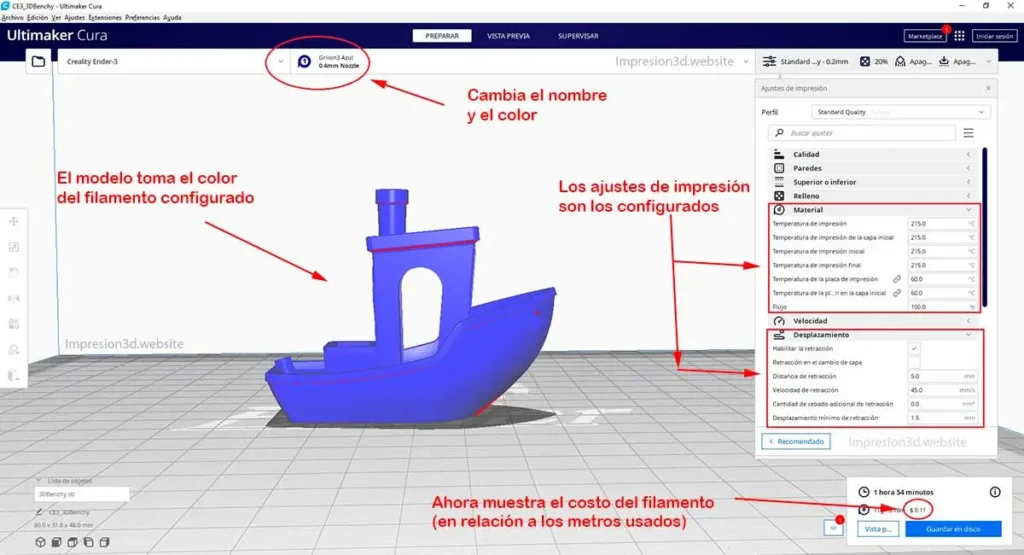
Cura provides a list of 3D filaments that are already included by default in its settings. If the filament you're using isn't listed…
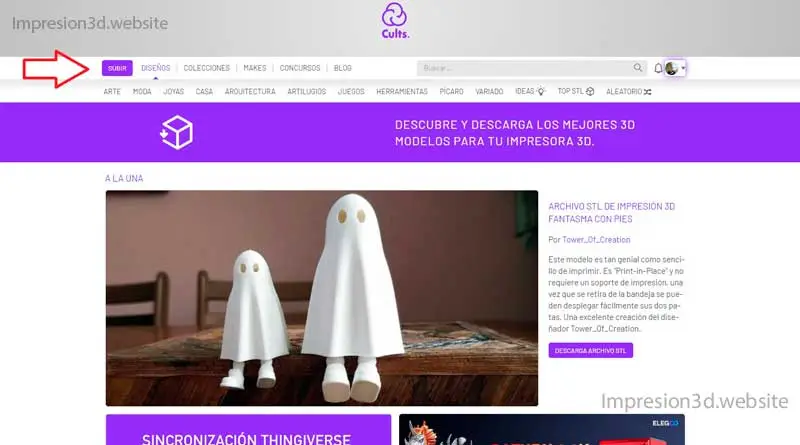
If you want to sell 3D designs and make a little extra money, one of the platforms you can use is Cults3d.com. Cults3D is one of the…
Por favor, confirme que desea bloquear a este miembro.
Ya no podrá:
Tenga en cuenta: Esta acción también eliminará a este miembro de sus conexiones y enviará un informe al administrador del sitio. Espere unos minutos para que se complete este proceso.