How to Properly Replace the Nozzle on Your 3D Printer

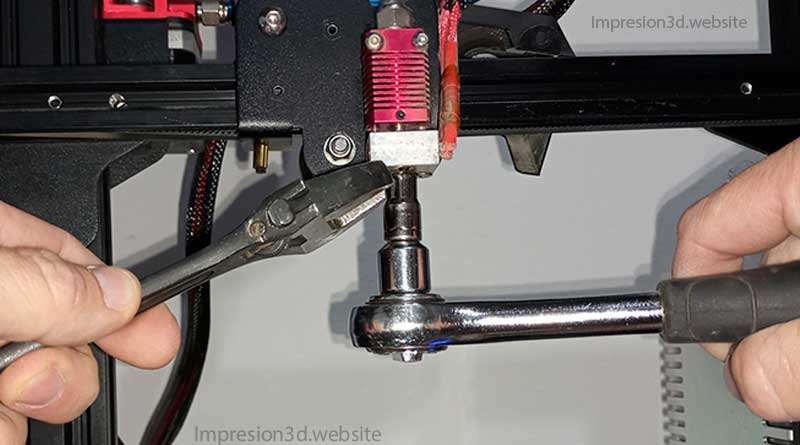
To properly replace the nozzle on your 3D printer, you'll need to heat the hot end to 200 °C, completely remove any remaining filament, and then use a C-wrench and a 6-mm tube to unscrew the hot nozzle. Now you can screw on the new nozzle.
What Tools to Use
Usually, when you buy a 3D printer, it comes with a small wrench designed specifically for changing the nozzle—at least that's the case with Creality printers—but this tool is often very thin, and it tends to scratch the nozzle and, in some cases, even break it. I don't recommend using it.
Instead, You'll do it with your own tools, to safely remove the nozzle and avoid costly mistakes.
You'll need at least 3 tools.
- Open-end or box wrench.
- Crique wrench with a 6 mm shank (for MK8 nozzles) or a larger size if the nozzle is larger.
- Cutting pliers (these can be the ones that come with printers).
7 Steps to Properly Replace the Nozzle on Your 3D Printer
- Preheat the nozzle.
- Remove the filament, if there is any.
- Remove the case with the fans.
- Unscrew the nozzle.
- Remove and clean the nozzle.
- Install the new nozzle and tighten it.
- Put it all together.
1. Preheat the nozzle
You must heat the nozzle to 200 °C, whether or not there is filament in the printer.
This is necessary either to remove the filament you have or to unscrew the nozzle while it's hot.
In your 3D printer's menu, select a temperature of 200 °C for PLA filament or 230 °C for PETG filament.

2. Remove the filament, if you have one.
Once the nozzle has reached 200 °C, you must remove the filament completely.
This is necessary to prevent the filament from continuing to ooze out when the nozzle is removed.
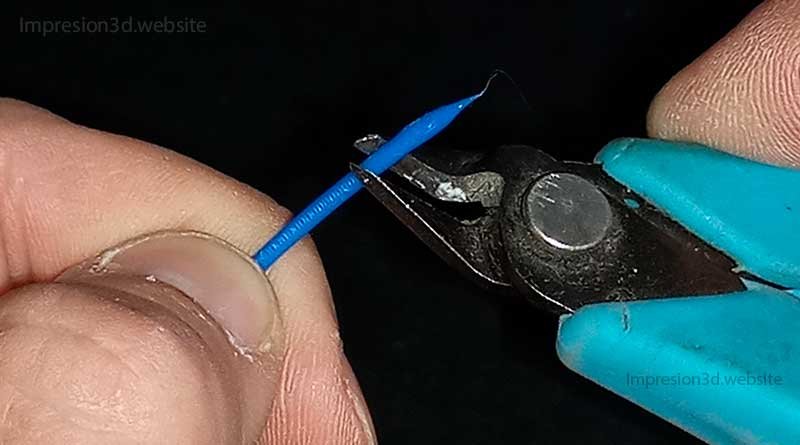
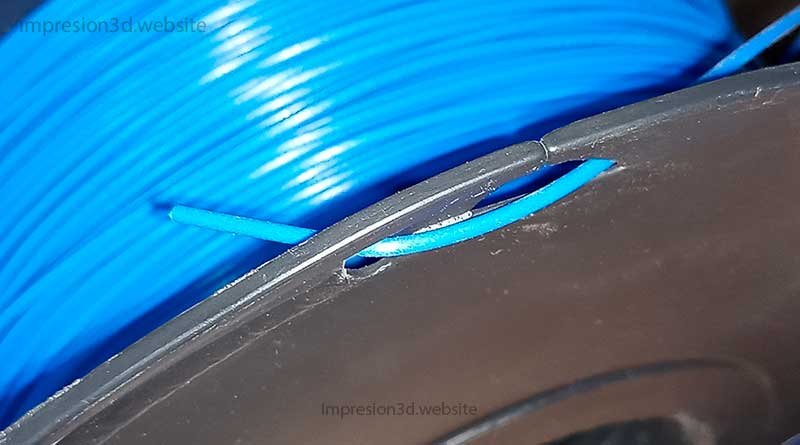
Remember to cut off the tip with pliers and set it aside for future use.
3. Remove the case with the fans
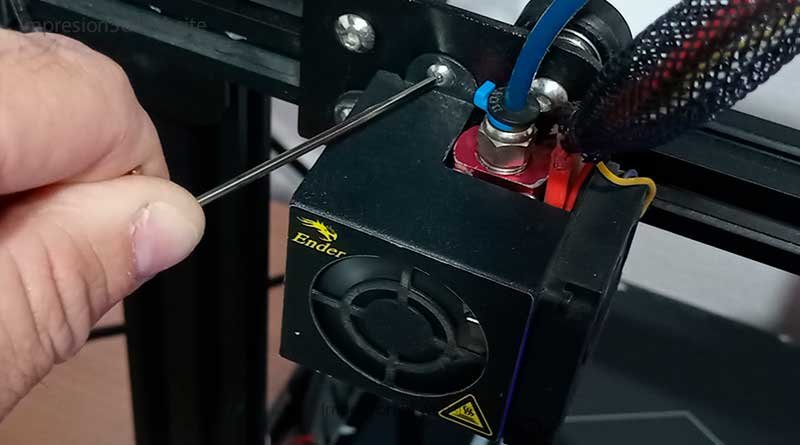
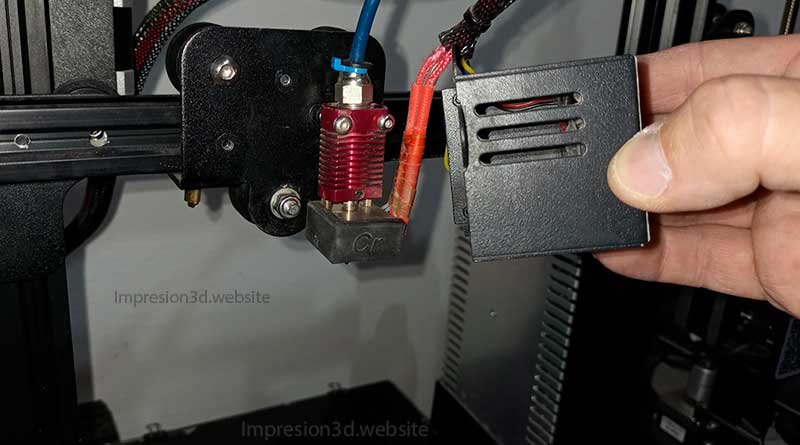
For Ender 3 printers and similar models, no You won't be able to get the wrench in there unless you remove the fan housing.
You'll be able to avoid this option only once you've gained experience and know how to control your own strength.
Remove the fan housings and scrape the thermal paste off the heat sink.
4. Unscrew the nozzle
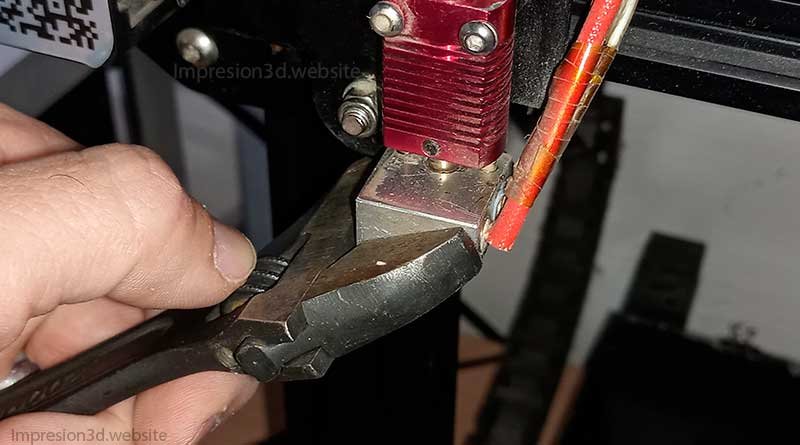
To unscrew the nozzle without breaking the hot end, use the open-end wrench to hold the aluminum block in place while you unscrew the nozzle with the socket wrench.
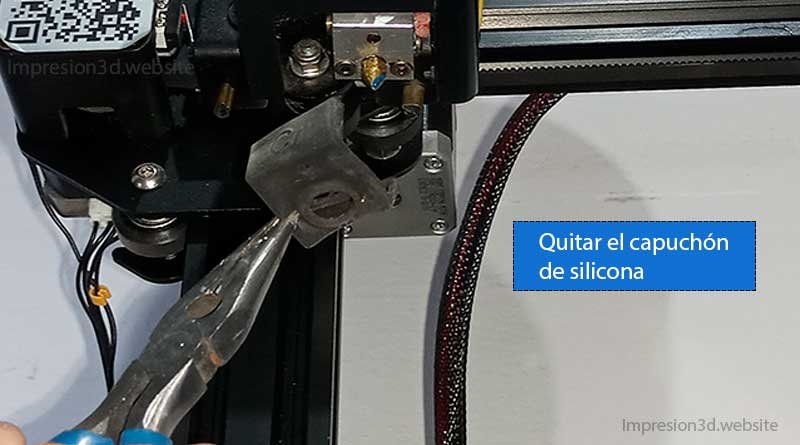
To do that, first remove the silicone cap, if you have one.
Position the wrench so that it holds the heating element in place to prevent it from turning when you remove the nozzle.
Now use a socket wrench to unscrew the nozzle.
5. Remove and clean the nozzle
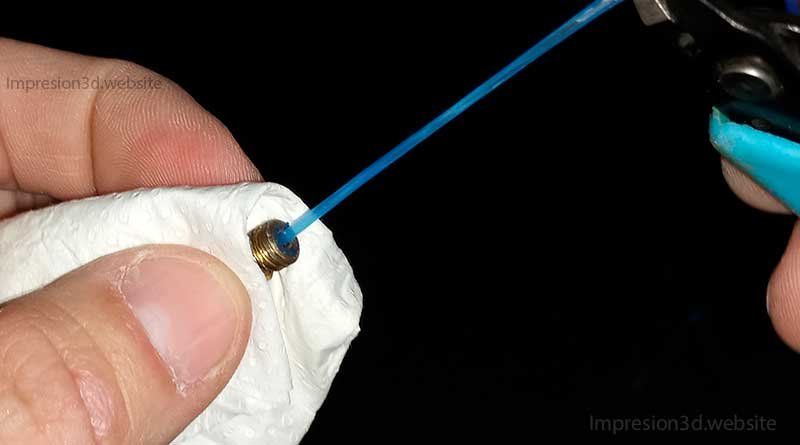
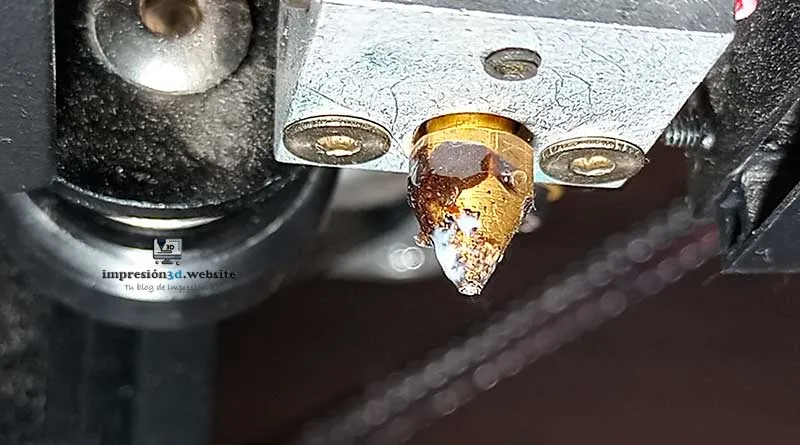
Once you've unscrewed the nozzle, I recommend cleaning it by removing the plastic debris with pliers.
Now wait for it to cool before putting it away in its storage place (only if you plan to reuse it).
If you're not going to reuse it, throw it away right away so it doesn't get mixed in with the newer nozzles.
Another option might be to store it in a sealed container so that you can clean the nozzle another time.
6. Install the new nozzle and tighten it
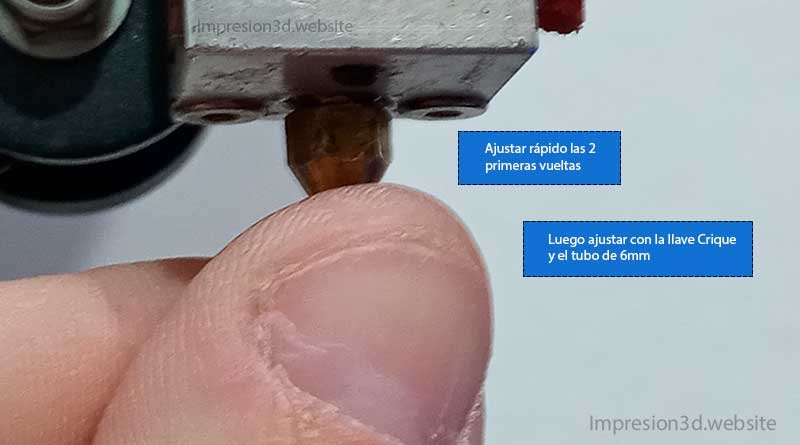
¡¡Be careful when screwing on the nozzle—it heats up instantly!!
After at least a couple of laps, you'll be able to Use the Crique wrench to adjust the nozzle.
Remember that whenever you perform this procedure, you should use a wrench to prevent the aluminum block from breaking (unless you're an advanced user and know how to control your strength).
7. Put everything together
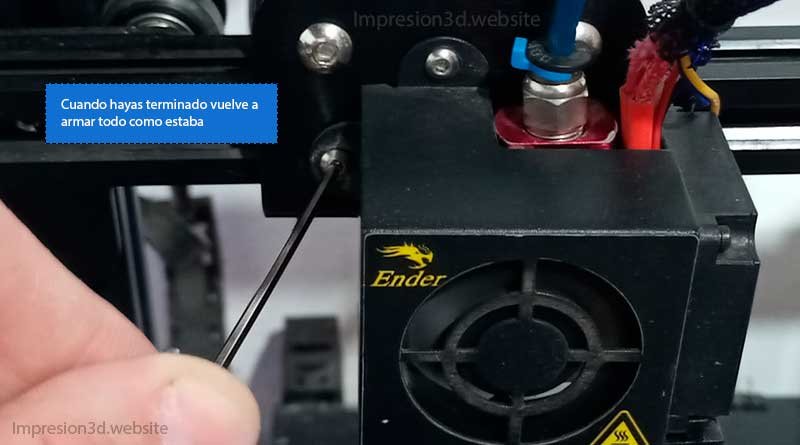
Put everything back the way it was, and you'll be done.
Reapply the silicone to the heating block and reattach the extruder housing with its fans.
Tighten the necessary screws.
From this point on, you can load whichever filament you want.
If you've reached this step, then you've successfully replaced the nozzle on your 3D printer.
YouTube video: 3D Control
Things I DO NOT Recommend
- Leave the filament in place: Retract the filament a few millimeters or centimeters It can burn out the Bowden tube and cause under-extrusion problems..
- Use the factory key: This tiny wrench will only damage your nozzle.
- Using excessive force: Applying excessive force when loosening or tightening can cause the nozzle or the screws that attach the block to the hot end to break, or damage it in some way.
Things I DO Recommend
- If the nozzle is no longer usable, Throw it away right away because they can get mixed in with the new ones or the ones that still work, and it will be hard to tell them apart.
- Level the bed: Whether you've installed a nozzle of the same size or a different size, I recommend re-leveling the print bed.
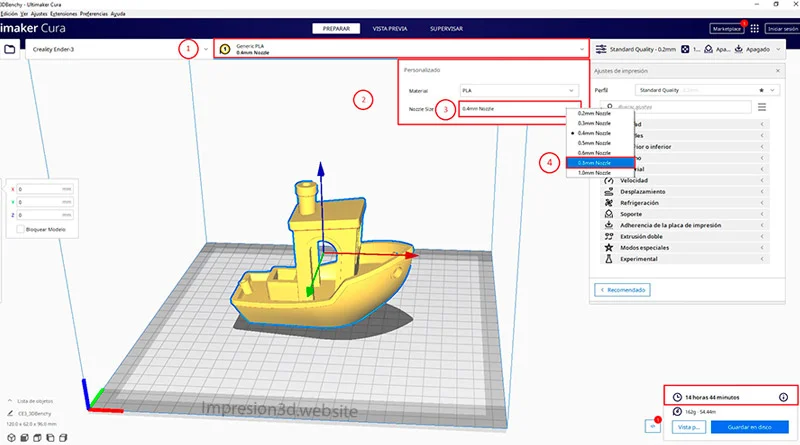
- Change the settings in Cura: Remember that if you changed the nozzle size, You'll need to configure it in Cura or your slicer software, otherwise you'll run into errors in your work.
Responses